
Learn Safely and Responsibly with Hoppy
Protect personal information and use generated learning content carefully.
Protect Personal Information
- Do not enter private information about yourself or another person in a quiz description.
- Do not upload documents or photos containing personal information.
- Ask a teacher or trusted adult if you are unsure what is safe to share.
Use Only Appropriate Learning Materials
- Use notes and learning materials you are allowed to use.
- Do not upload another person’s work without permission.
Check AI-Generated Answers and Explanations
- Check surprising answers against your notes or another reliable source.
- Ask a teacher when an answer or explanation does not seem right.
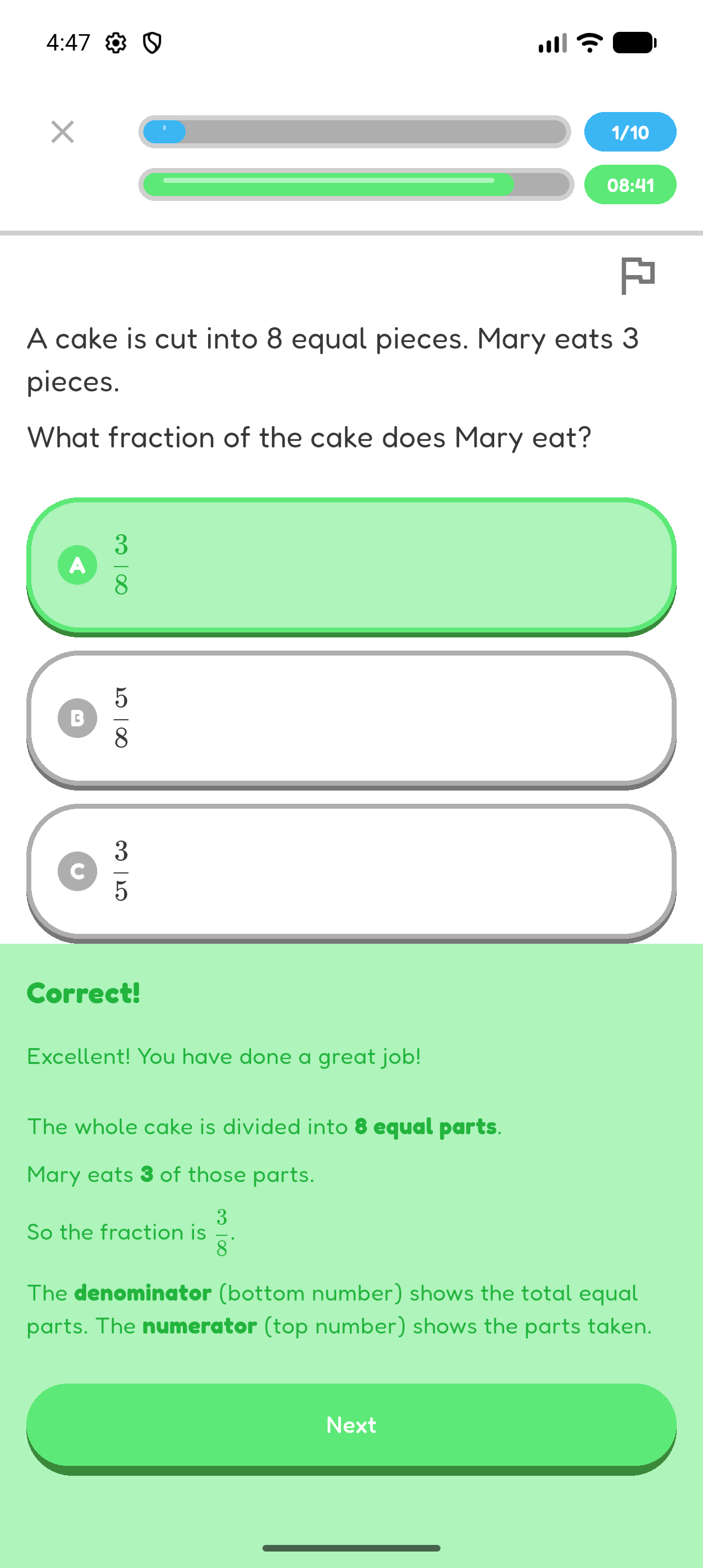
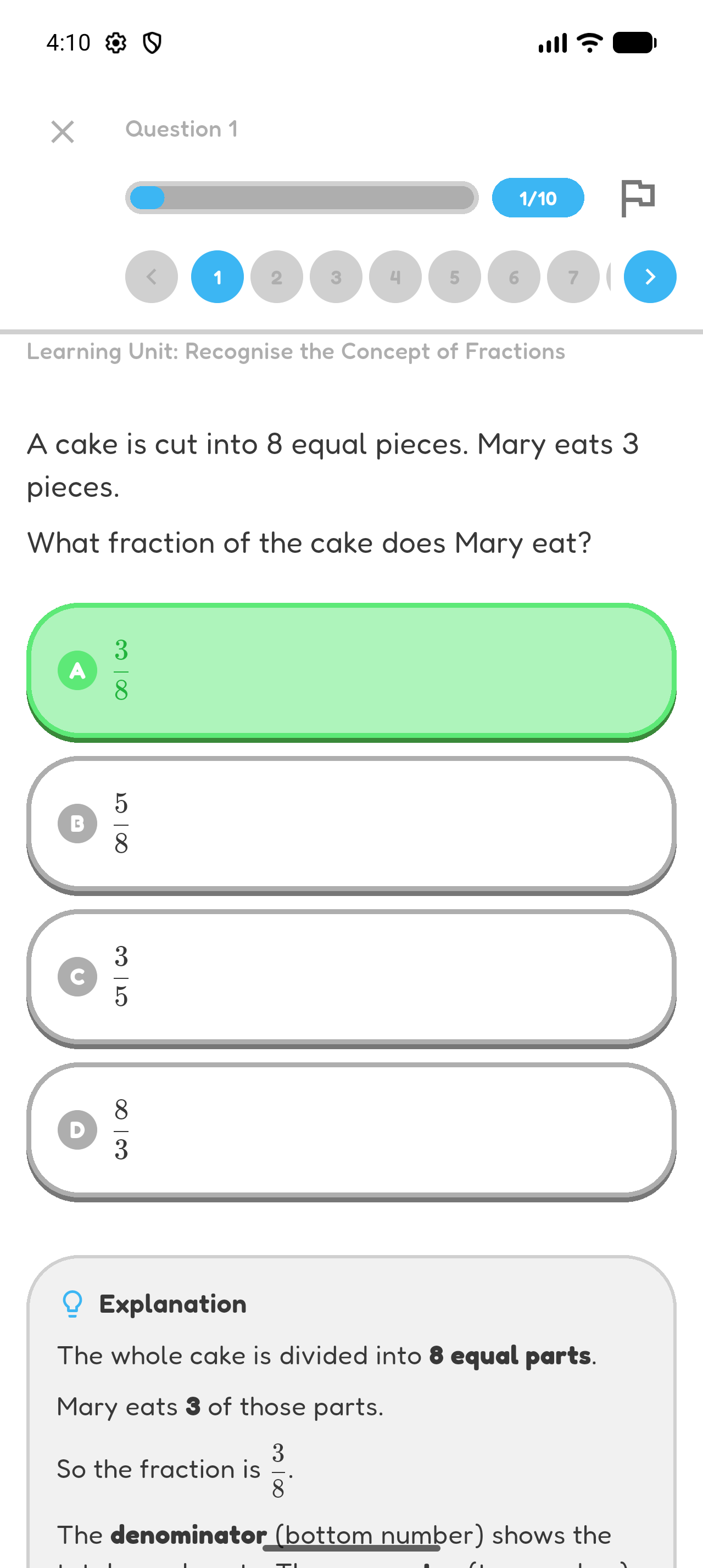
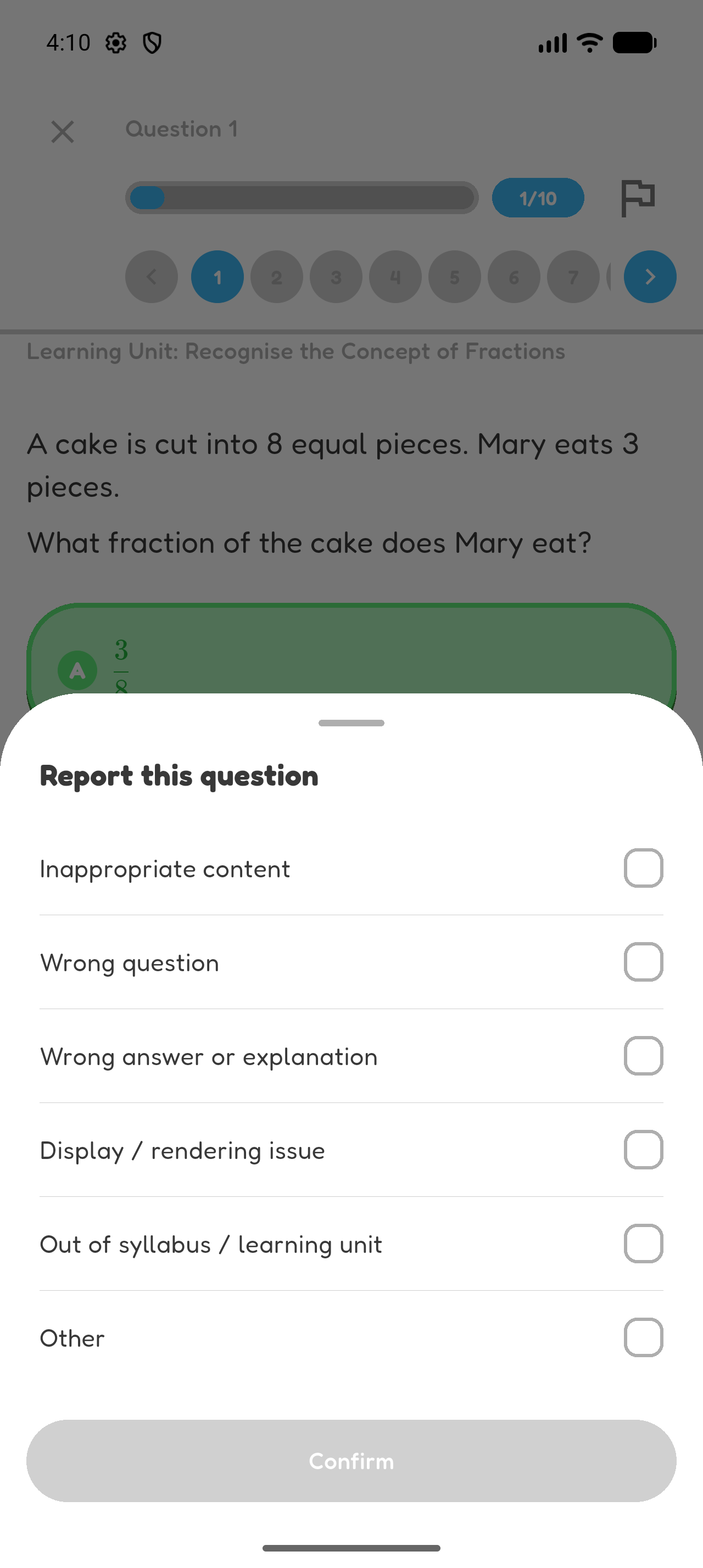
- Use Report to tell Hoppy about a problem with a question.
Hoppy can generate questions and explanations with AI. AI-generated content can contain mistakes.
Ask a Teacher or Adult When Unsure
Ask a teacher or trusted adult for help with unsafe material, confusing instructions, account access, or anything that makes you uncomfortable.
Chapter 7 complete
You know how to use Hoppy more safely and when to ask for help.