
Join a Classroom and Find an Assignment
Join your teacher’s classroom and open the work they assigned.
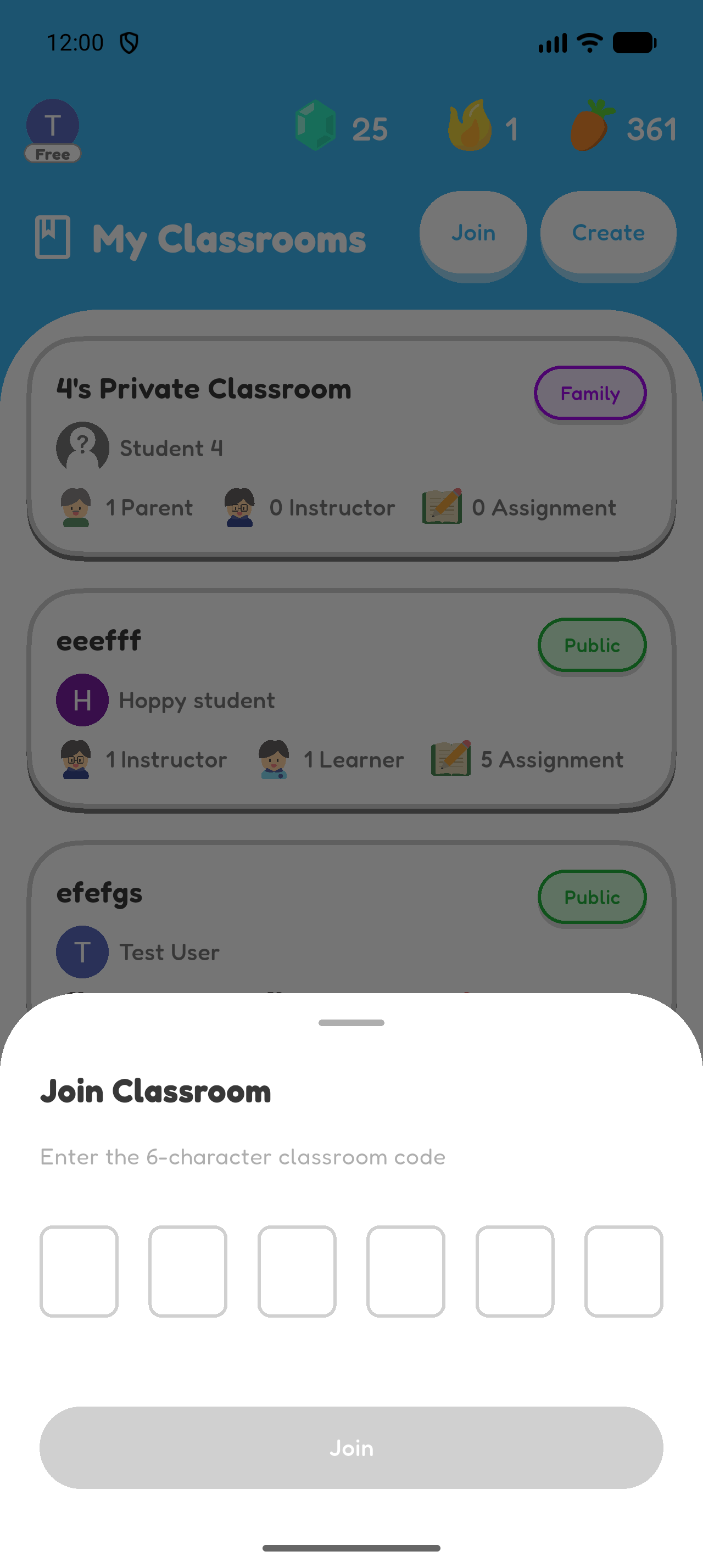
Join with a Classroom Code
- Open Classroom.
- Select Join Classroom.
- Enter the six-character code from your teacher.
- Select Join.
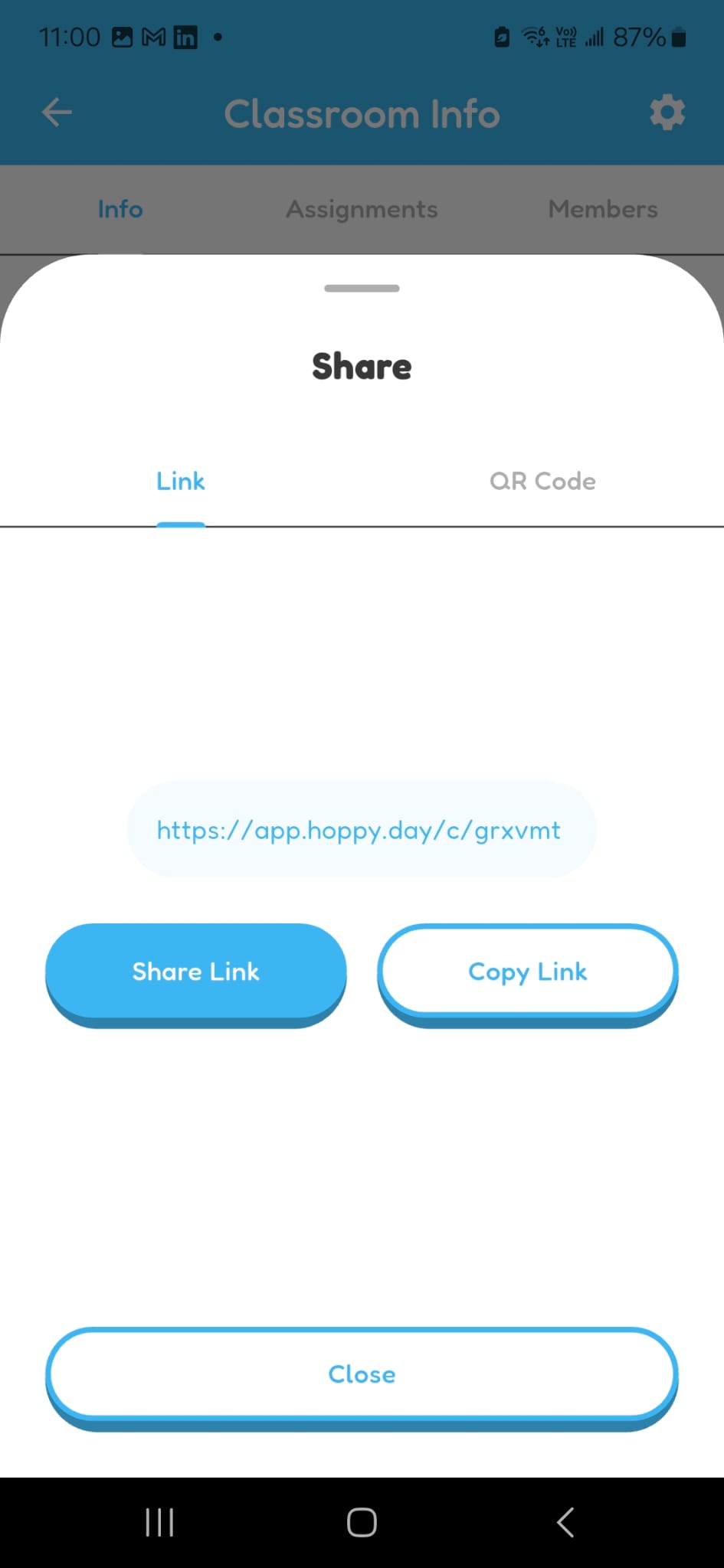
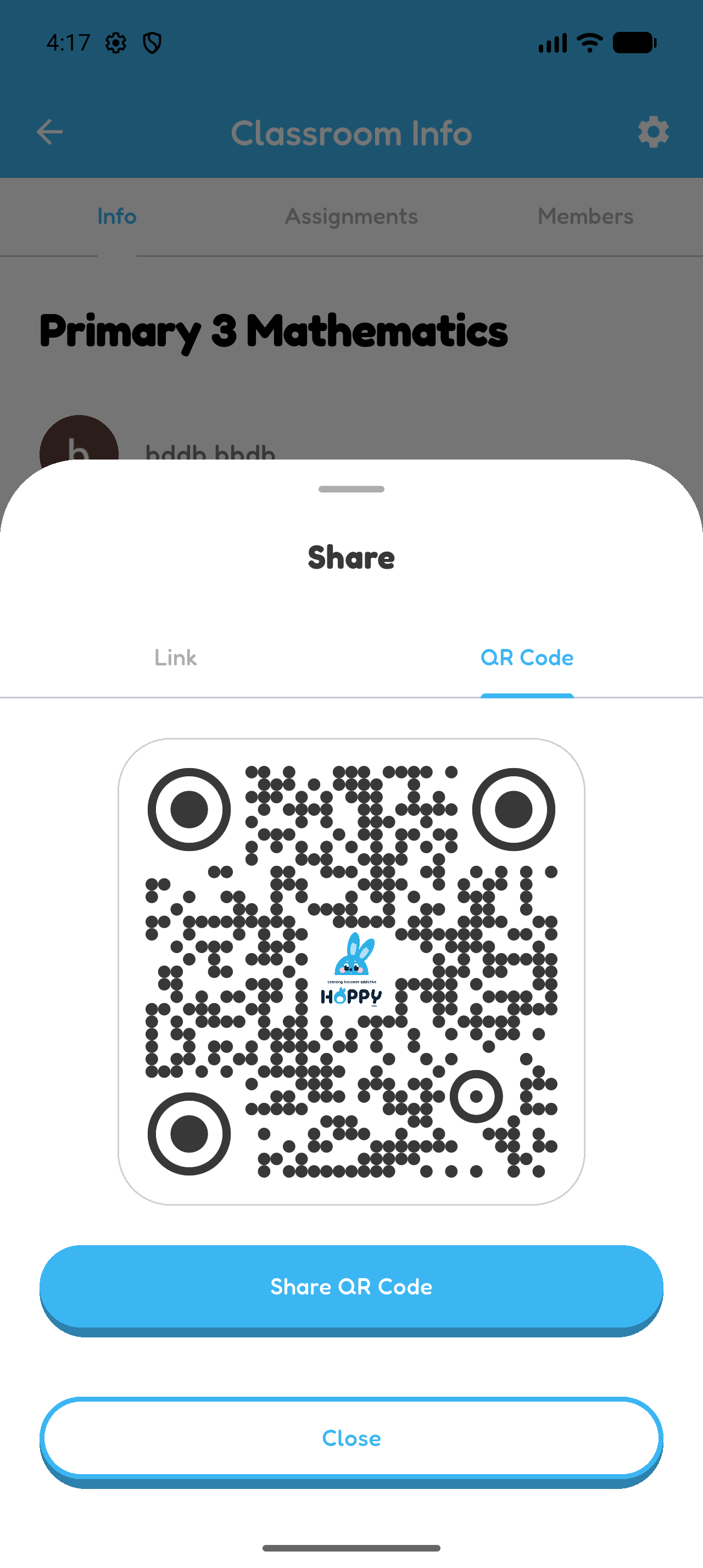
Join with an Invitation Link or QR Code
- Open the classroom link from your teacher, or scan the classroom QR code.
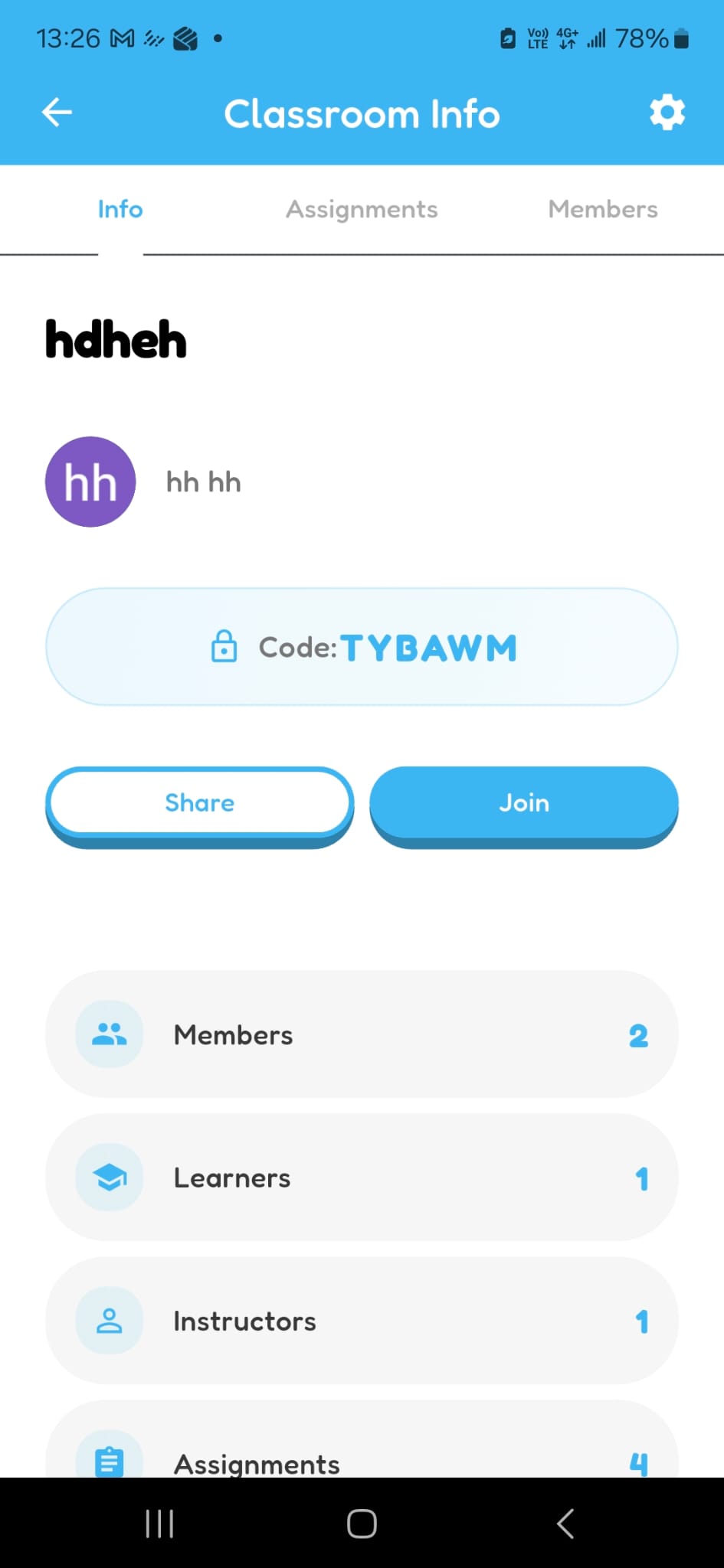
- Open the classroom in Hoppy.
- Select Join.
Open Classroom Assignments
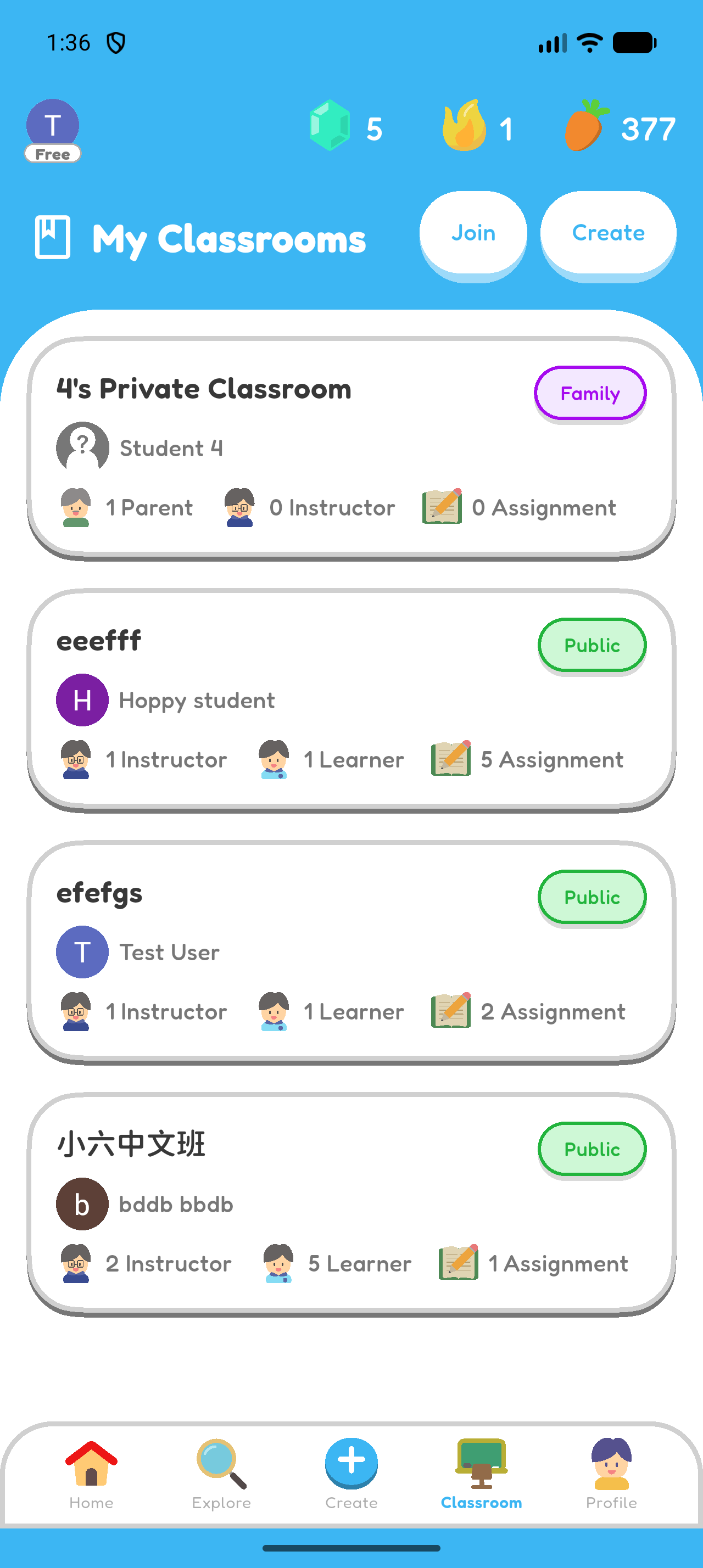
- Select Classroom from the bottom navigation.
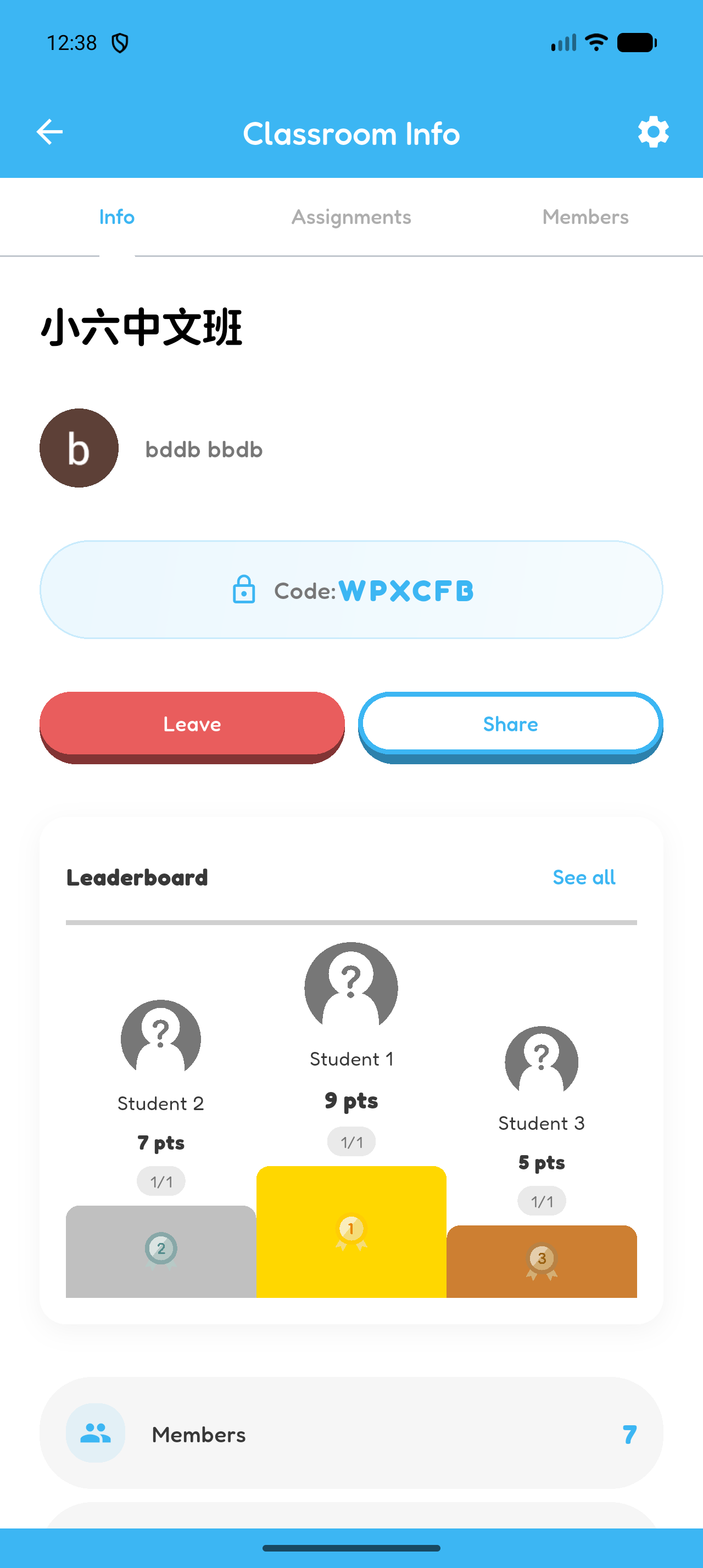
- Choose the classroom.
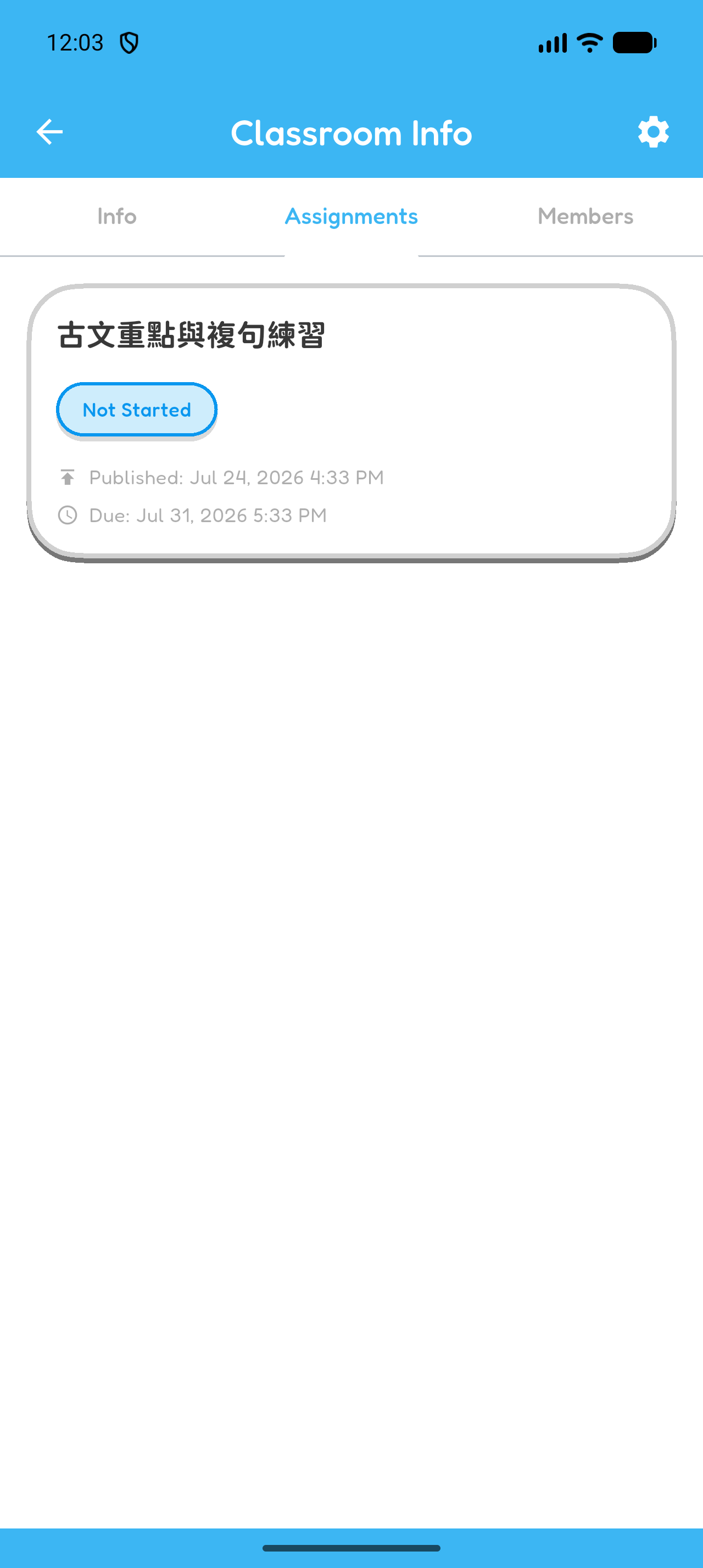
- Open the Assignments tab.
Open an Assignment
- Find the assignment from your teacher.
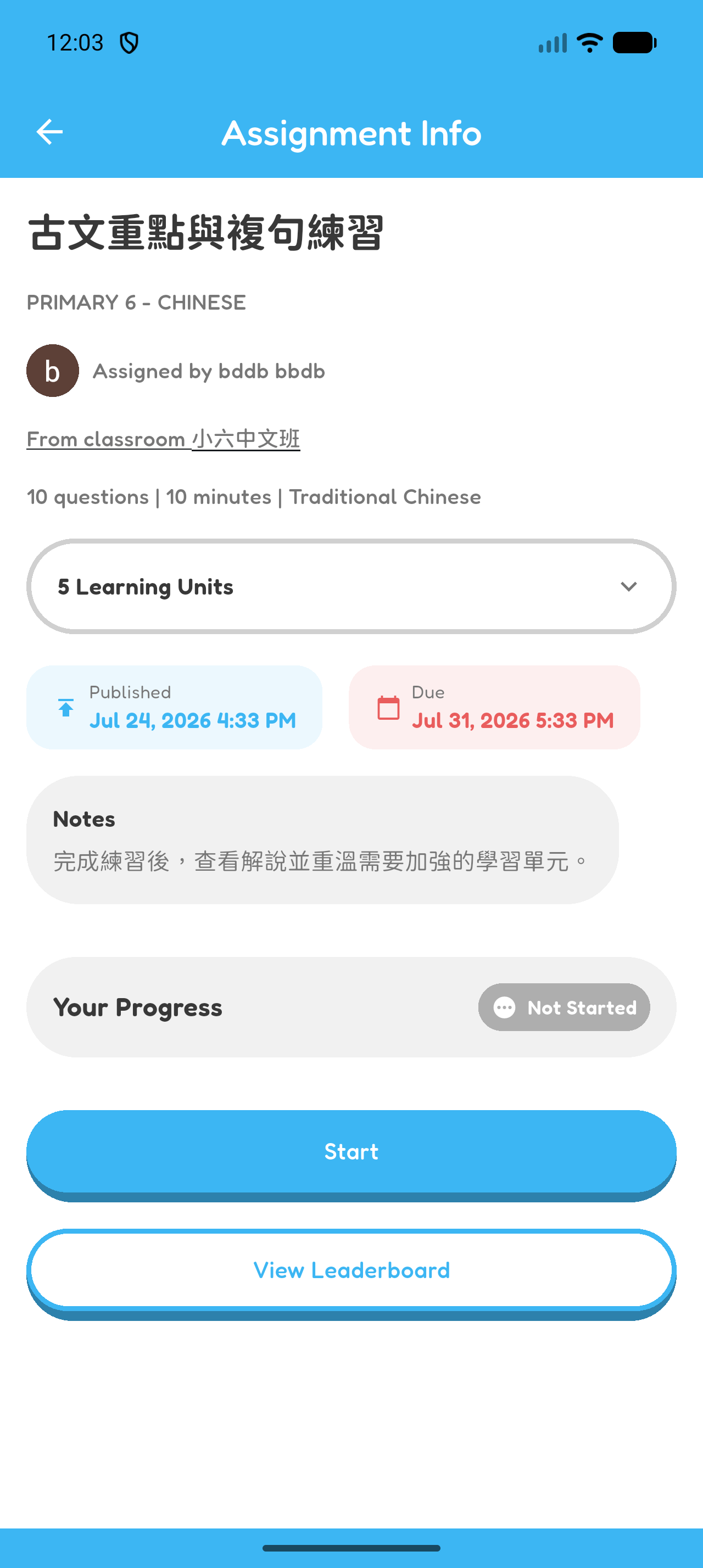
- Select it to view its quiz, notes, publication time, and due time.
Chapter 4 complete
You joined a classroom and opened an assignment.