
Turn an Idea or Learning Material into a Practice Quiz
Create personal practice from a description, suitable learning materials, or both.
Describe the Practice Quiz
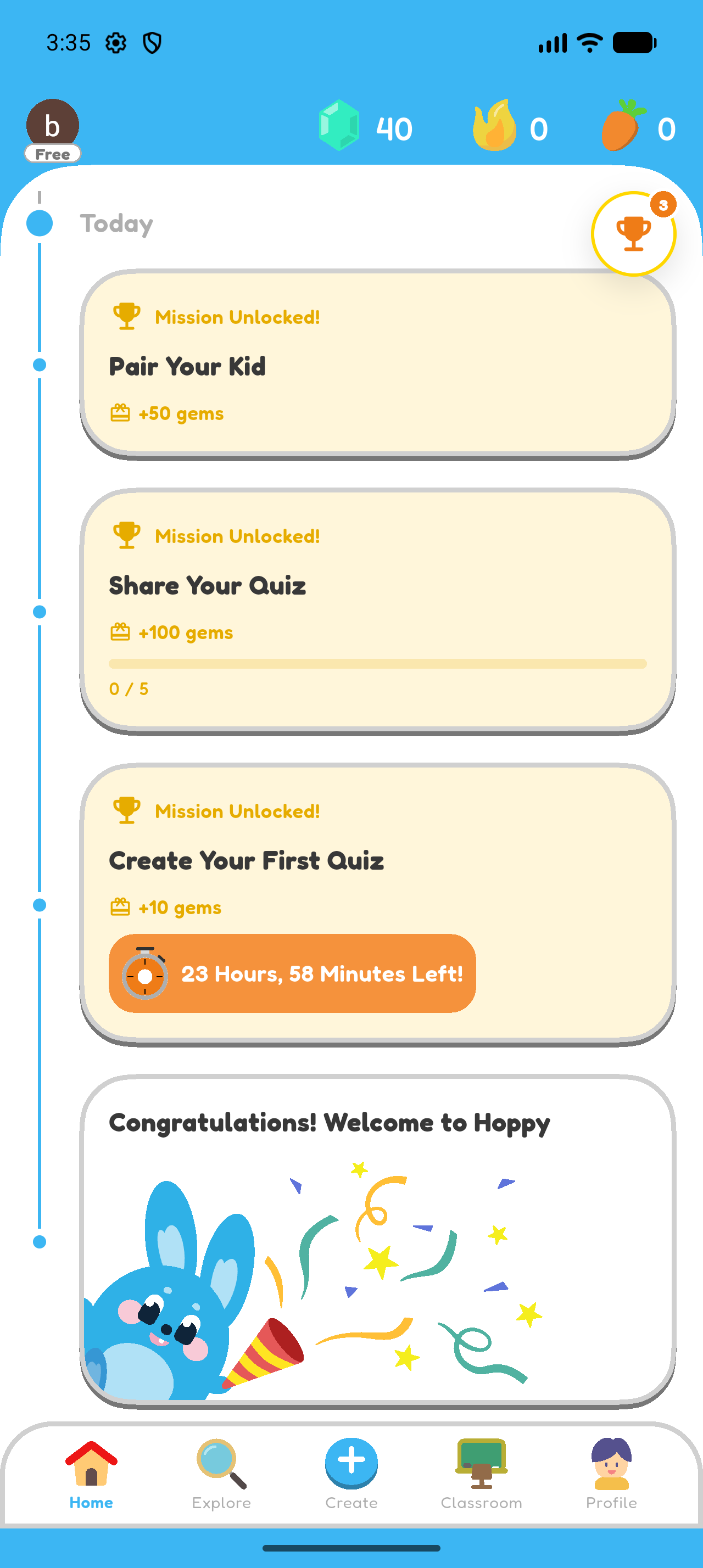
- Open Create.
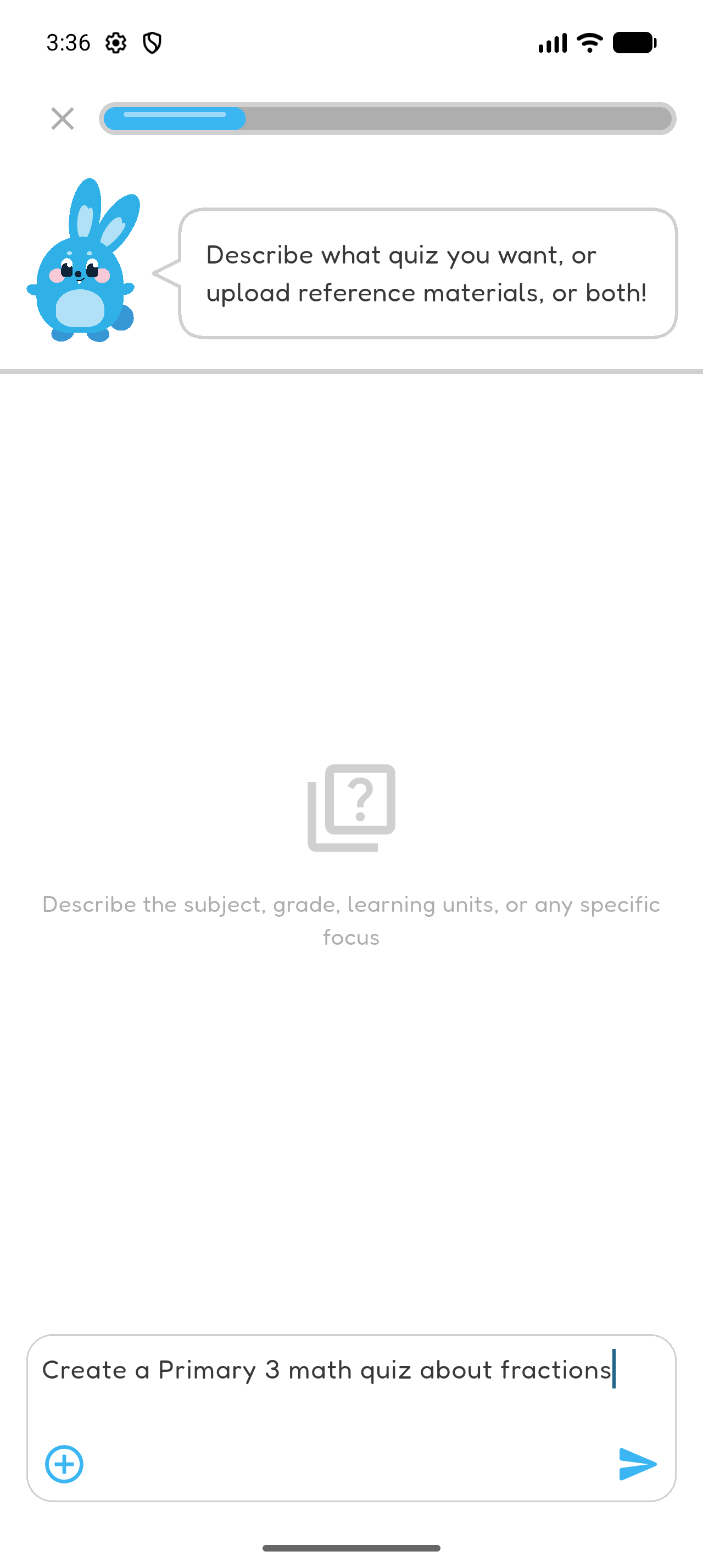
- Describe what you want to practise. You can include the subject, grade level, topic, or a specific difficulty.
- Select the arrow to continue.
Add Learning Materials — Optional
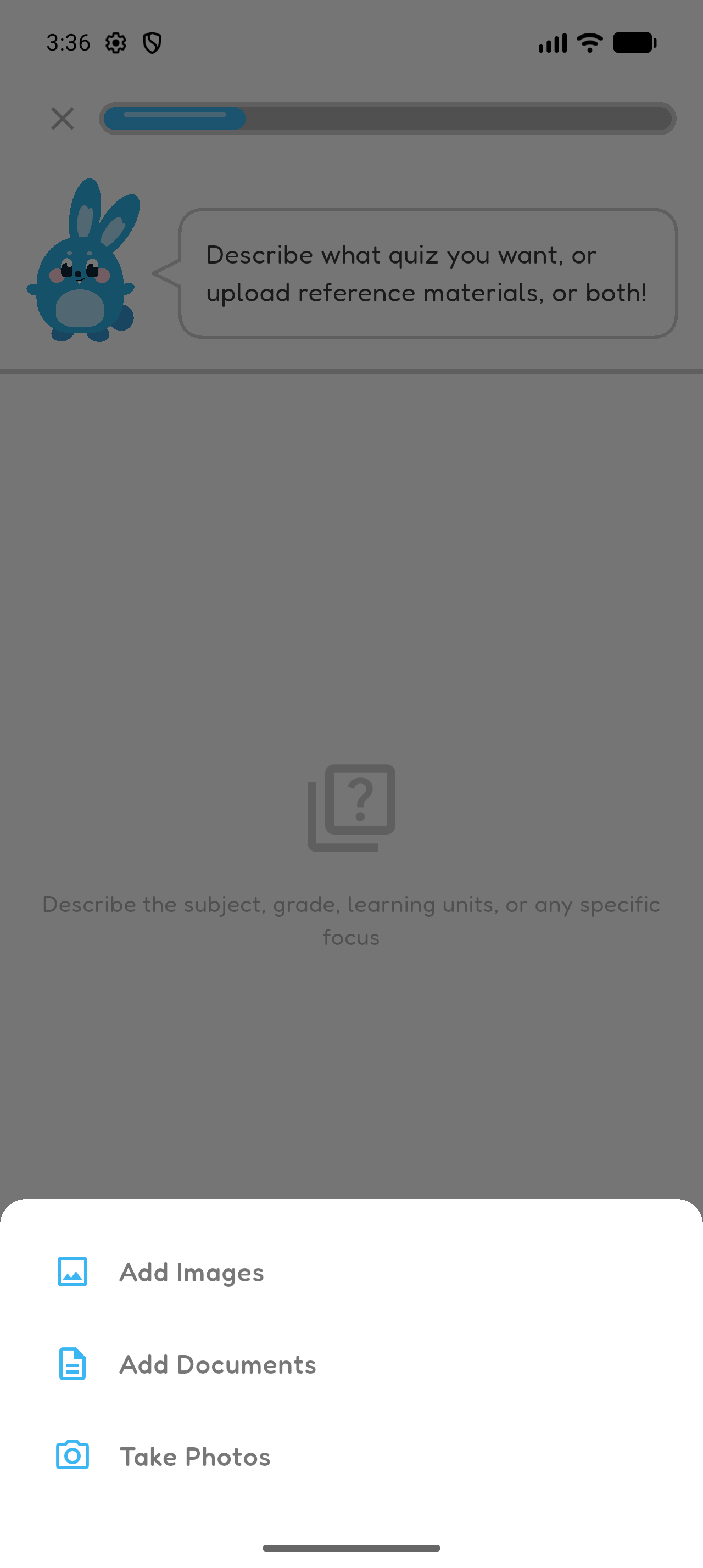
- Select the plus button.
- Choose Add Images, Add Documents, or Take Photos.
- Add the learning materials you want Hoppy to use.
- Select the arrow to continue.
Confirm the Quiz Context
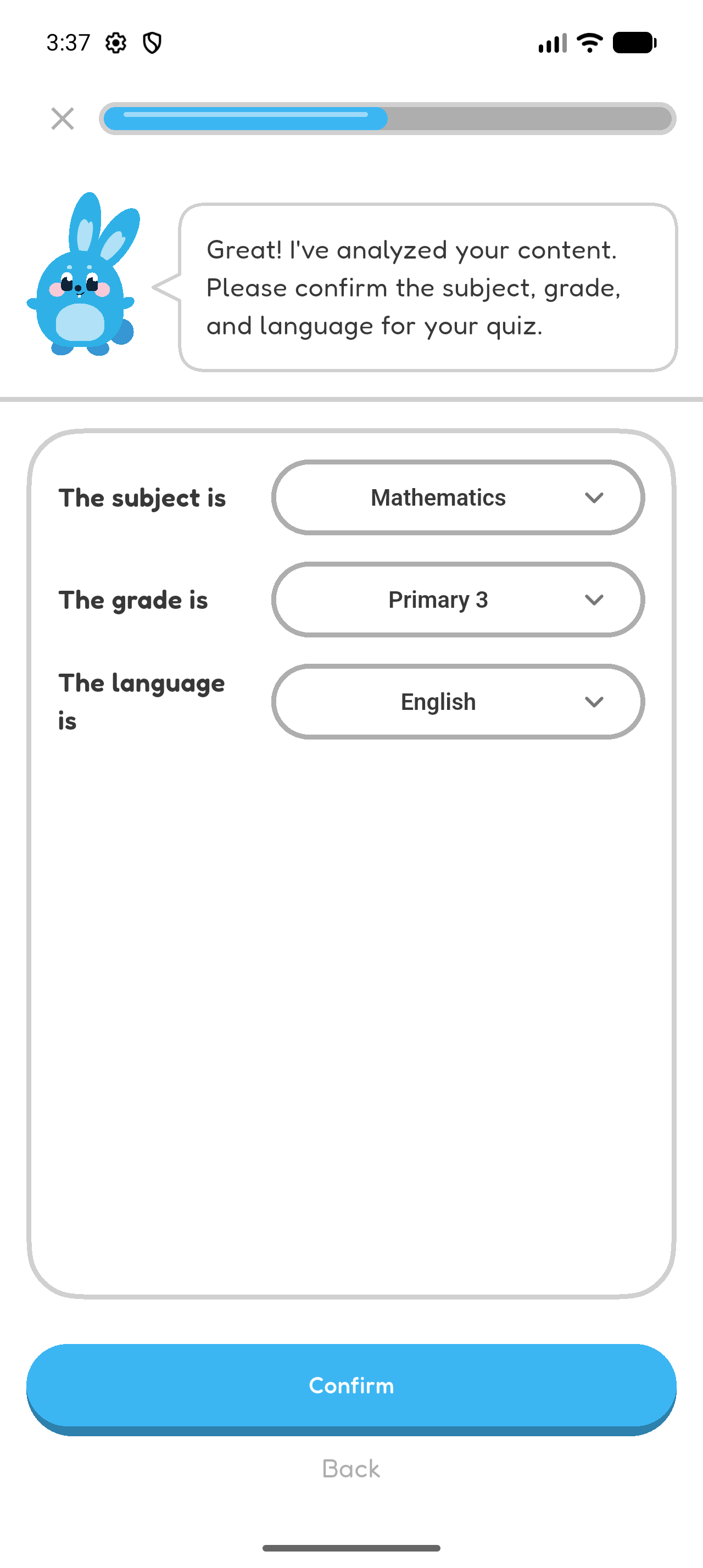
- Check the detected subject, grade level, and language.
- Correct any selection that does not match the practice you want.
- Select Confirm.
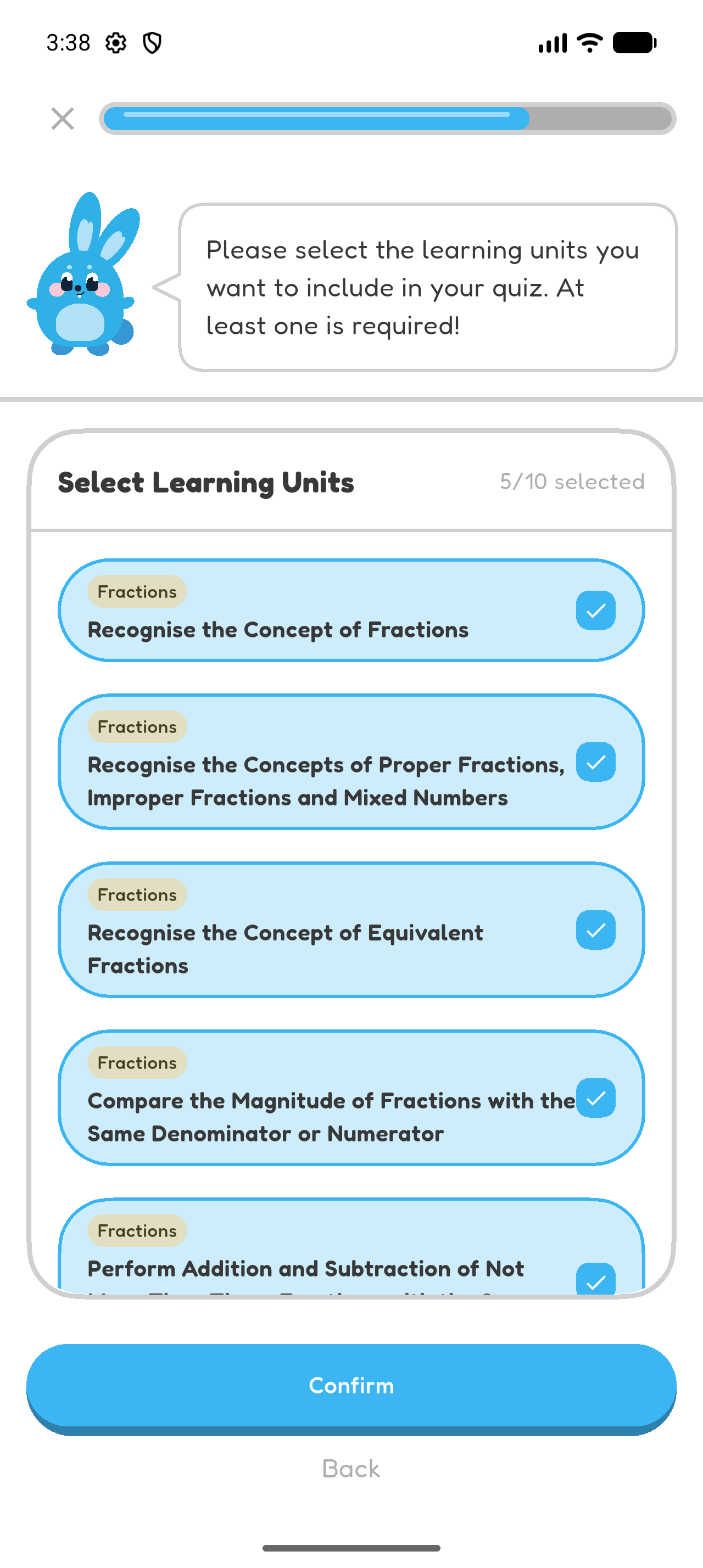
Select the Learning Units
- Select at least one matching learning unit.
- Select Confirm.
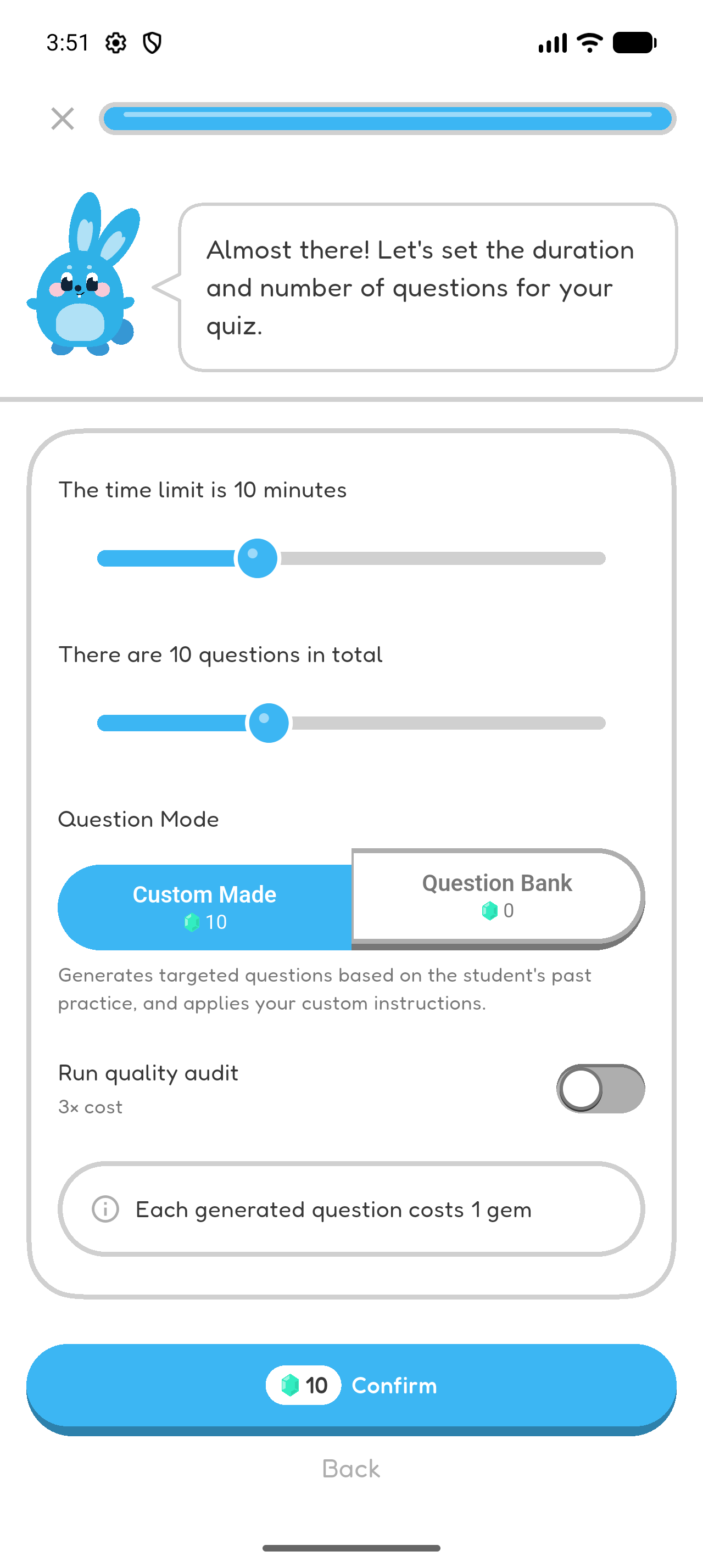
Choose the Quiz Settings
- Choose the expected duration and number of questions.
- Select Custom Made.
- Select Confirm.
Review the Generated Quiz
- Check the quiz title, grade level, subject, number of questions, and duration.
- Check the description and learning units before starting.
Chapter 3 complete
You created personal practice from an idea or learning material.