
Take a Quiz and Review Your Results
Complete a quiz, learn from its feedback, and review your attempt.
Open a Quiz
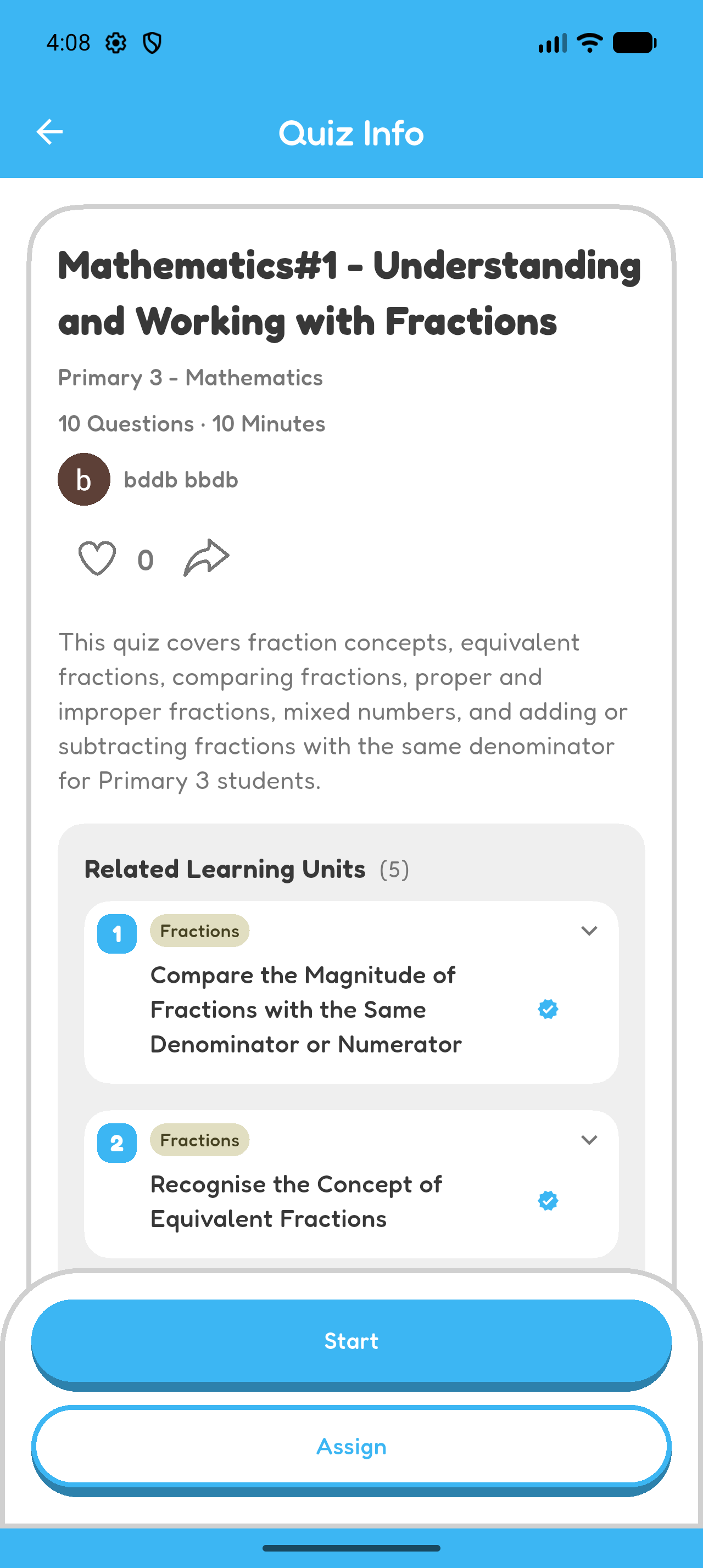
- Open the quiz information page.
- Check the topic, number of questions, and expected duration.
- Select Start.
You can open a quiz you created, find one through Explore or search, or open a quiz shared by link or QR code.
Answer the Questions
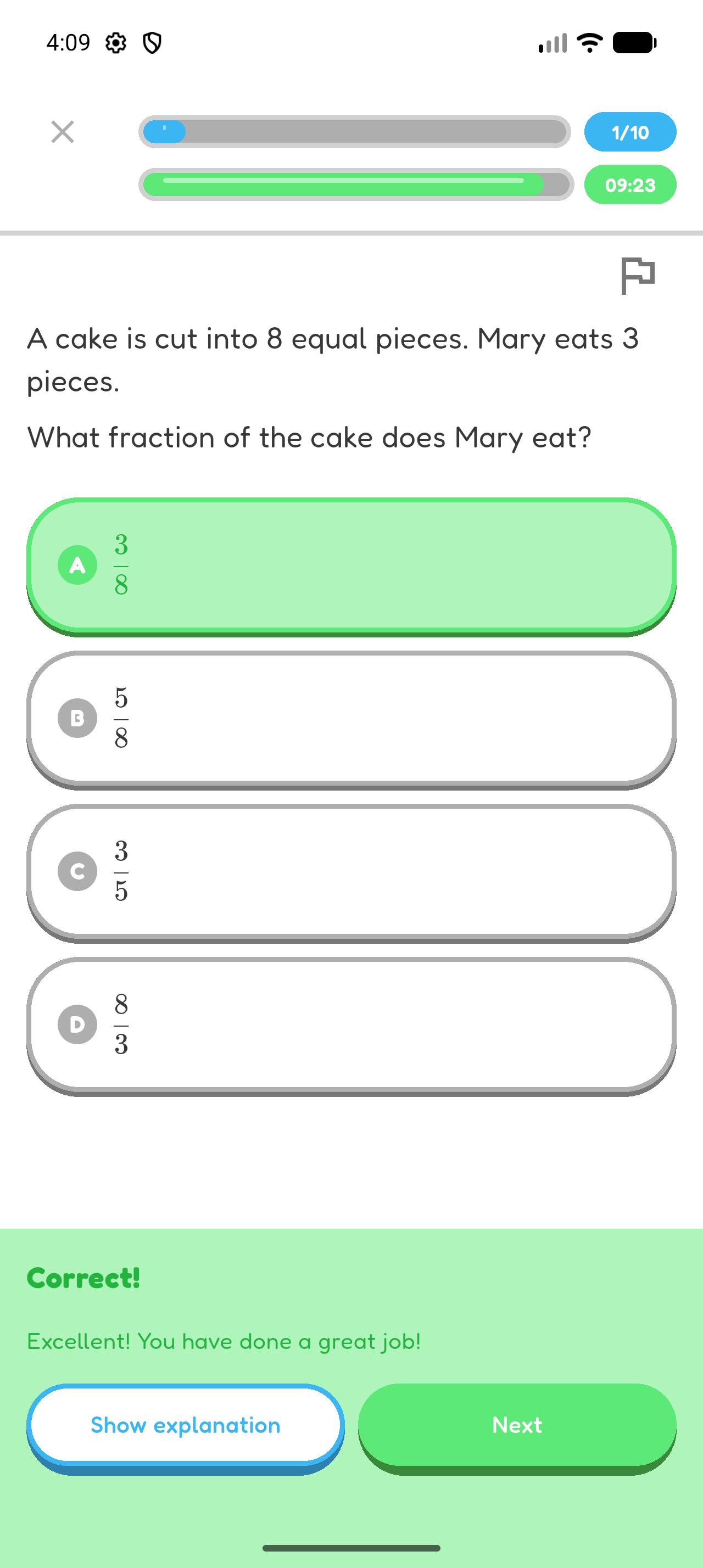
- Choose an answer.
- Select Submit.
- Select Next when you are ready to continue.
Read the Feedback and Explanations
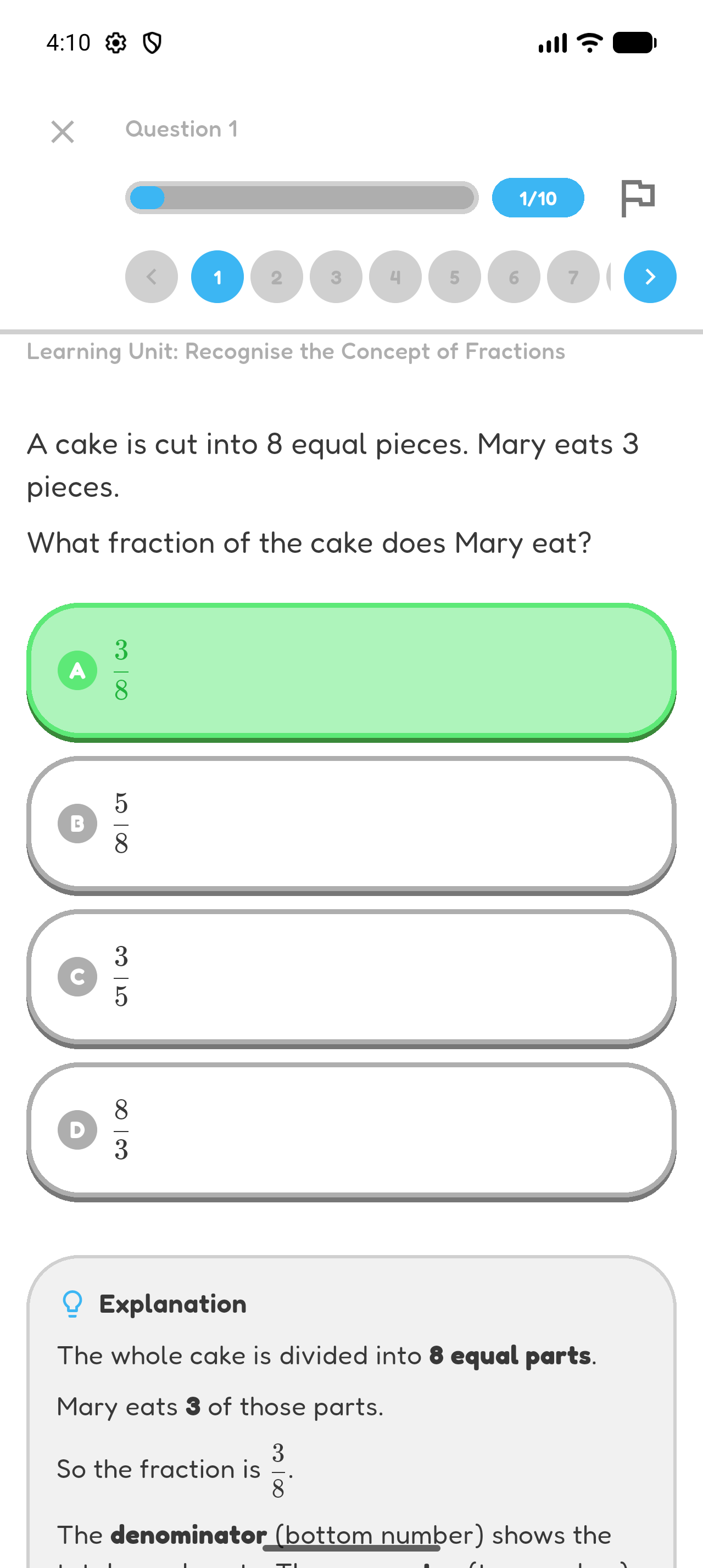
- Read the feedback after submitting an answer.
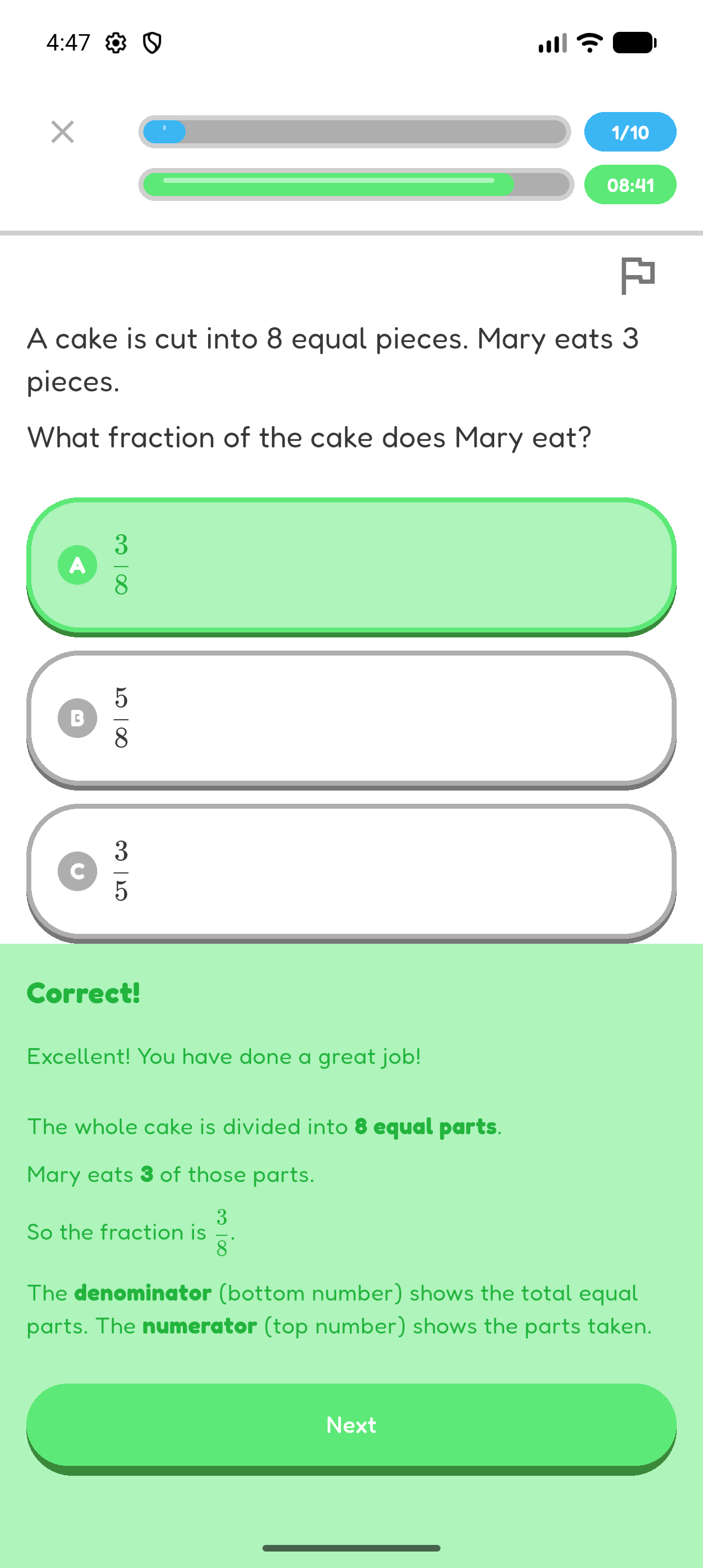
- Select Show explanation where it is available.
- Check why the answer is correct before continuing.
Finish the Quiz and Review Your Attempt
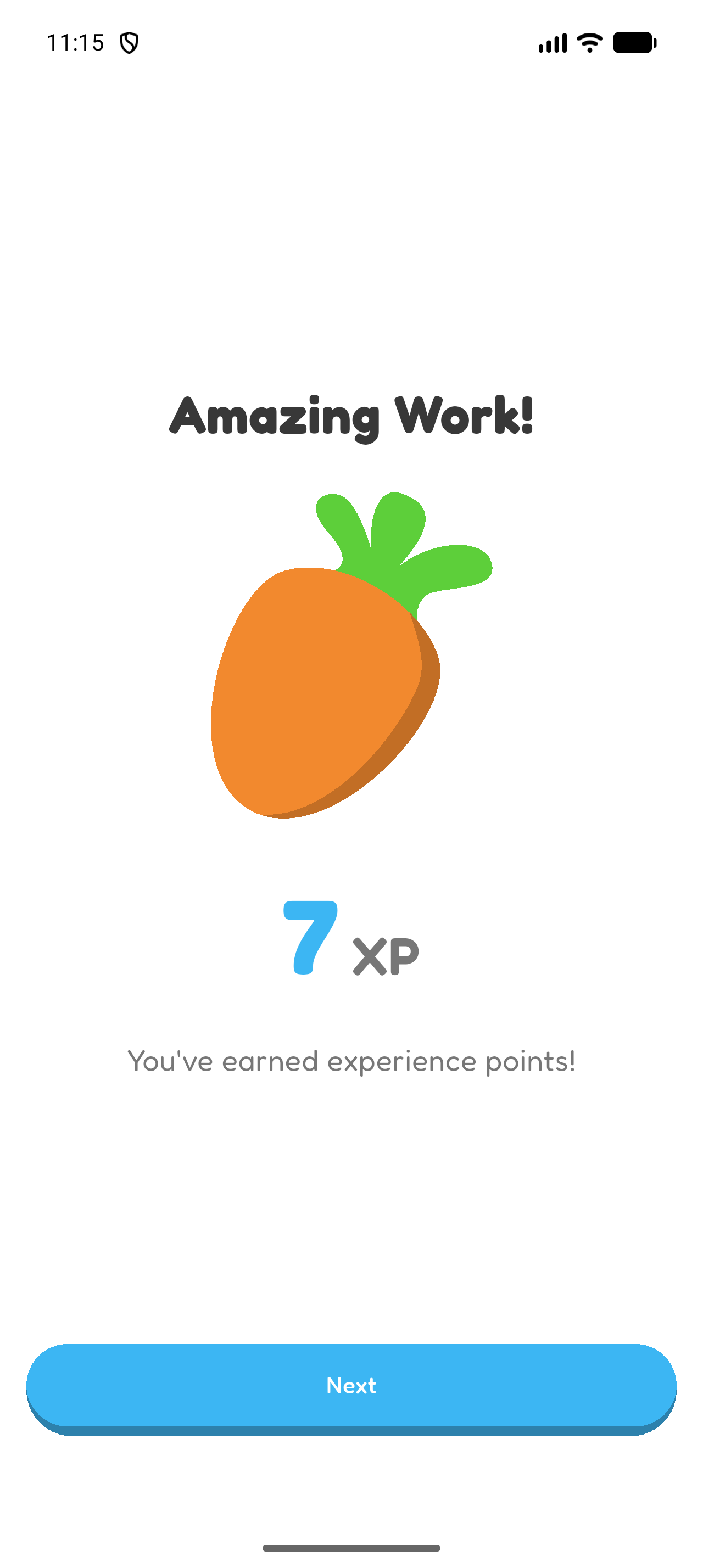
- Select Finish Quiz after the last question.
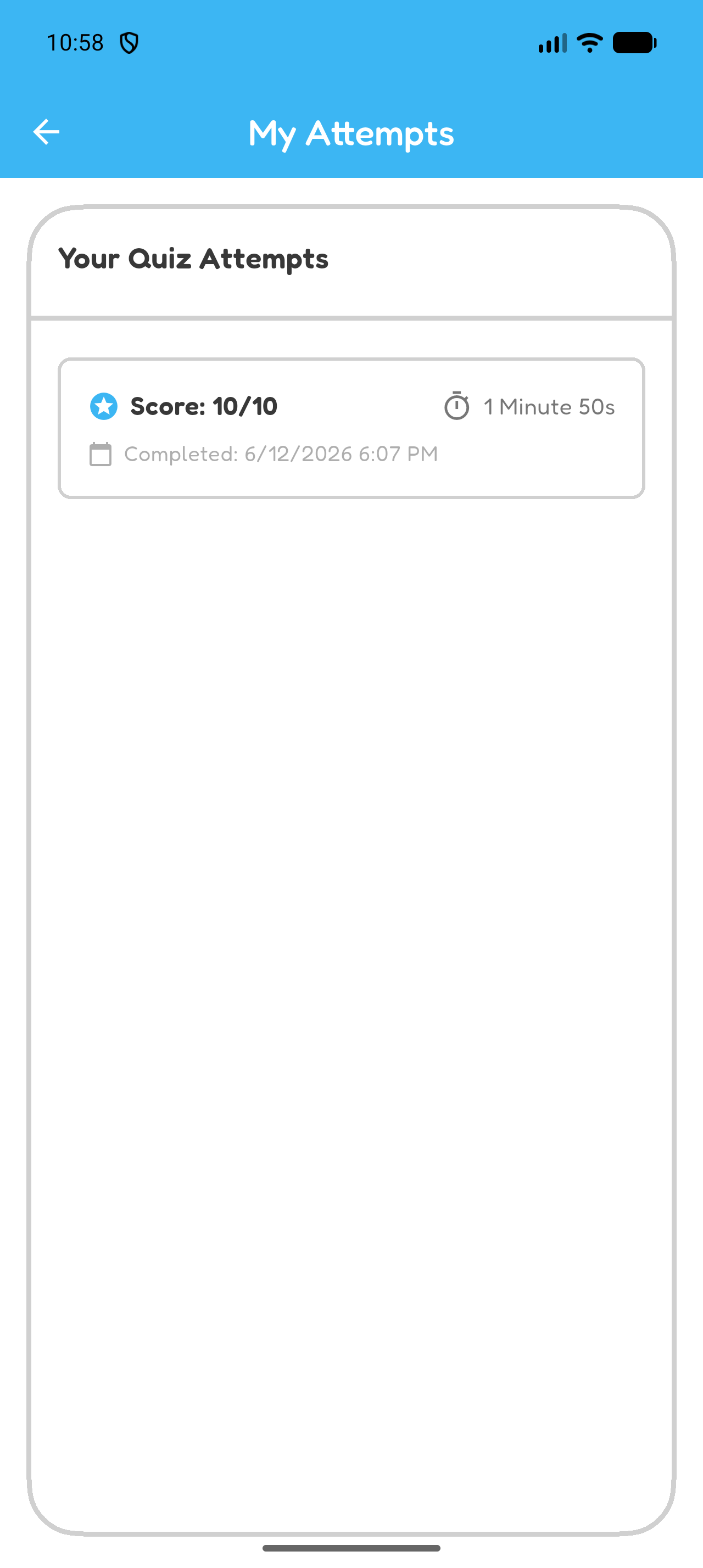
- Review the result summary.
- Open your attempt to review the questions, your answers, and the explanations.
- You can return to the quiz later to open an earlier attempt.
Report a Problem
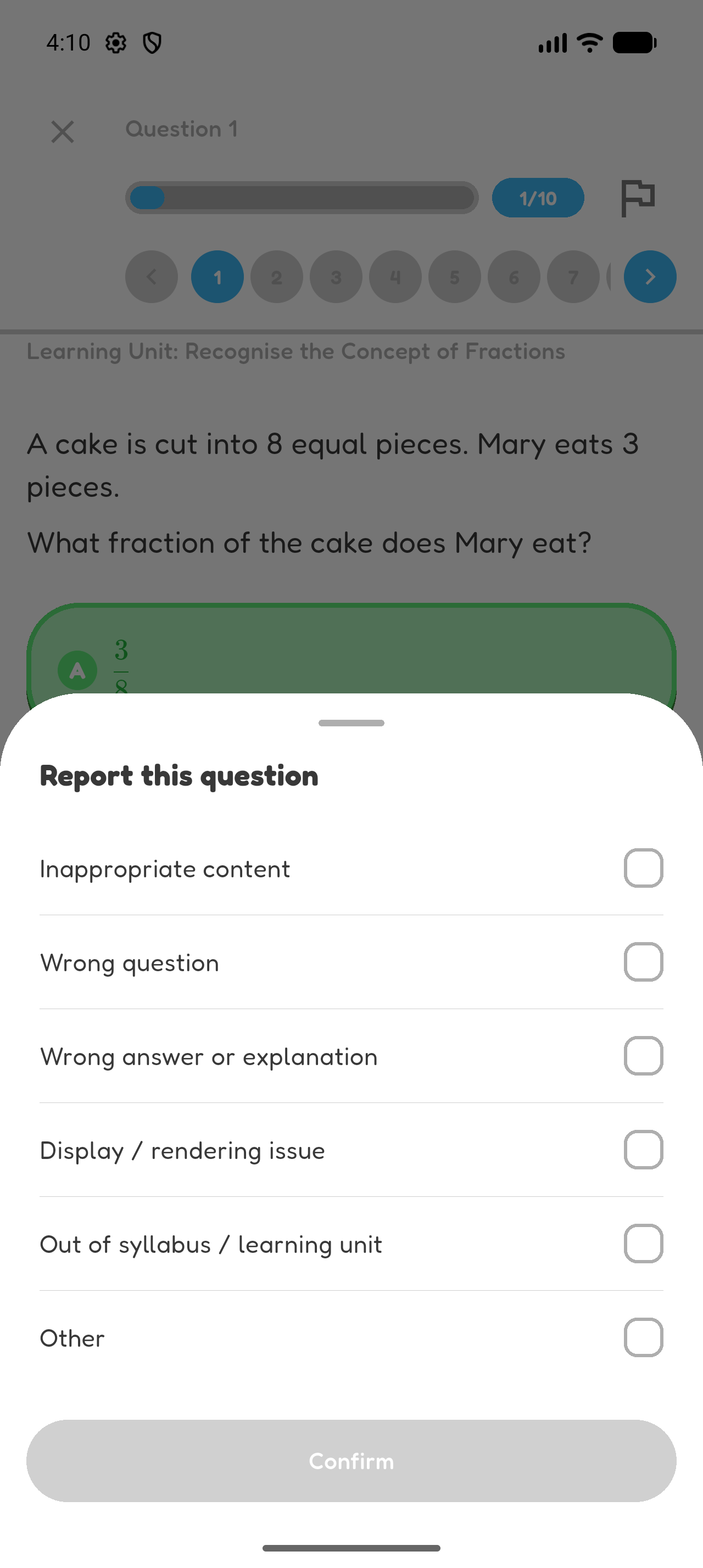
- Open the question you want to report.
- Select Report.
- Choose the reason that best describes the problem and submit it.
Chapter 2 complete
You completed a quiz and reviewed what you learned from it.