
Choose a Topic and Create a Practice Quiz with Explore
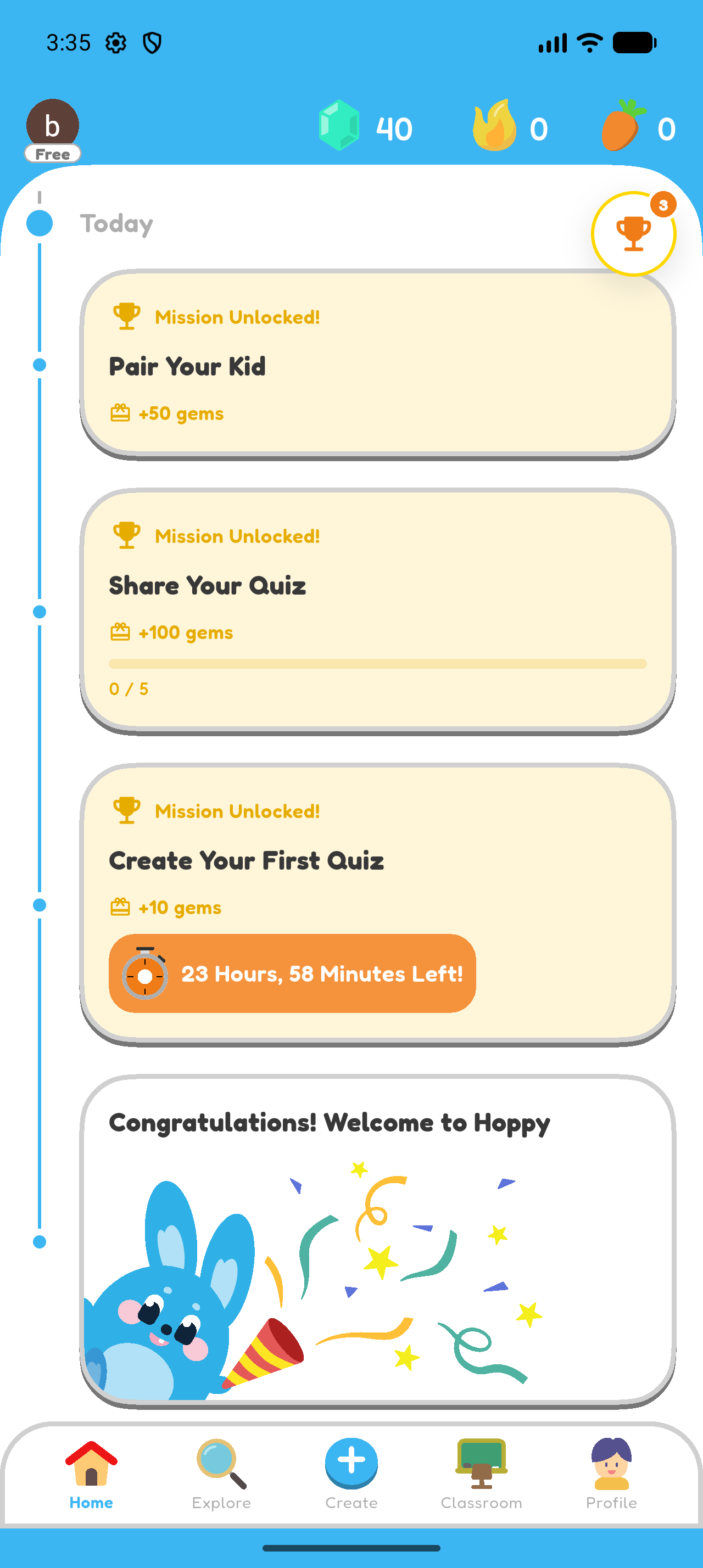
Create personal practice by choosing a grade, subject, and learning units in Explore.
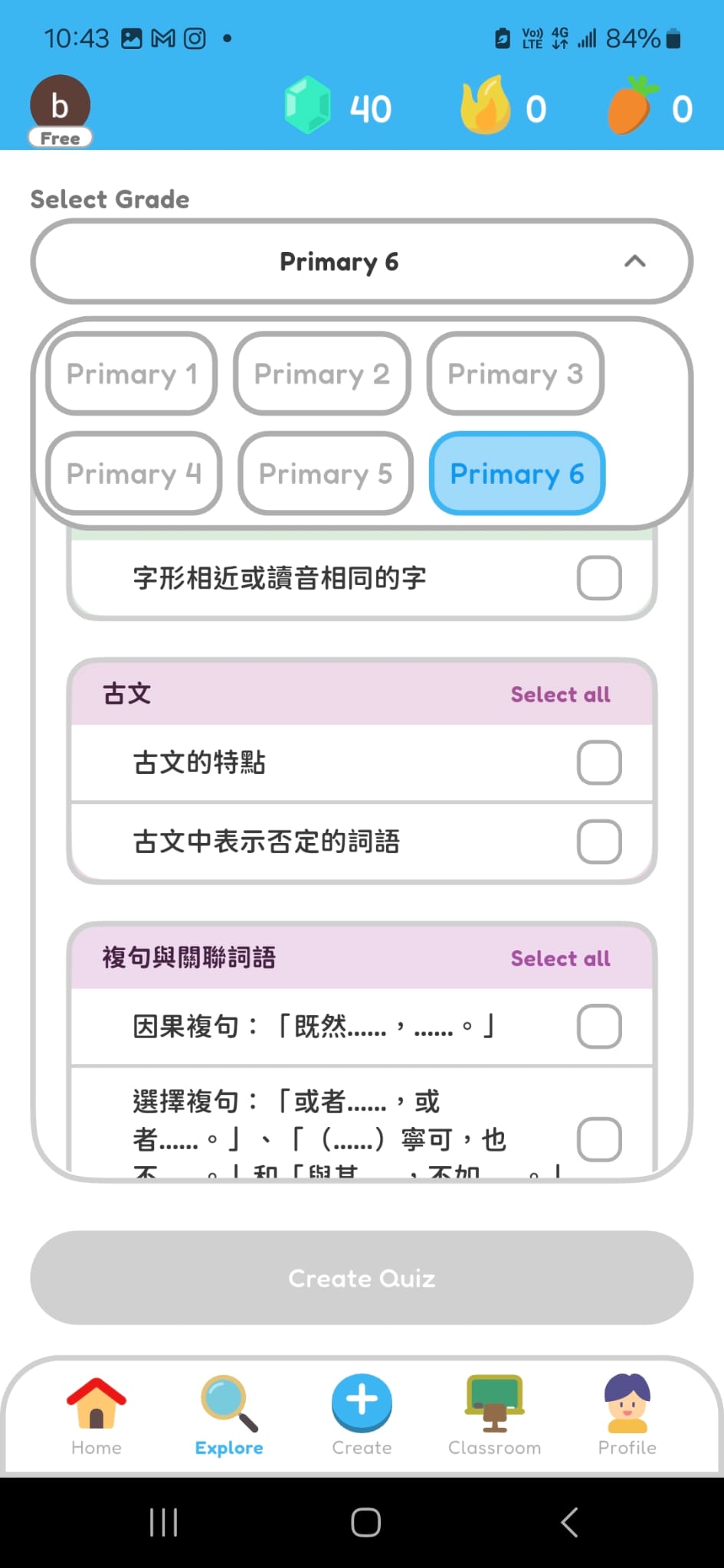
Choose the Grade Level
- Open Explore.
- Choose the grade level for the practice quiz.
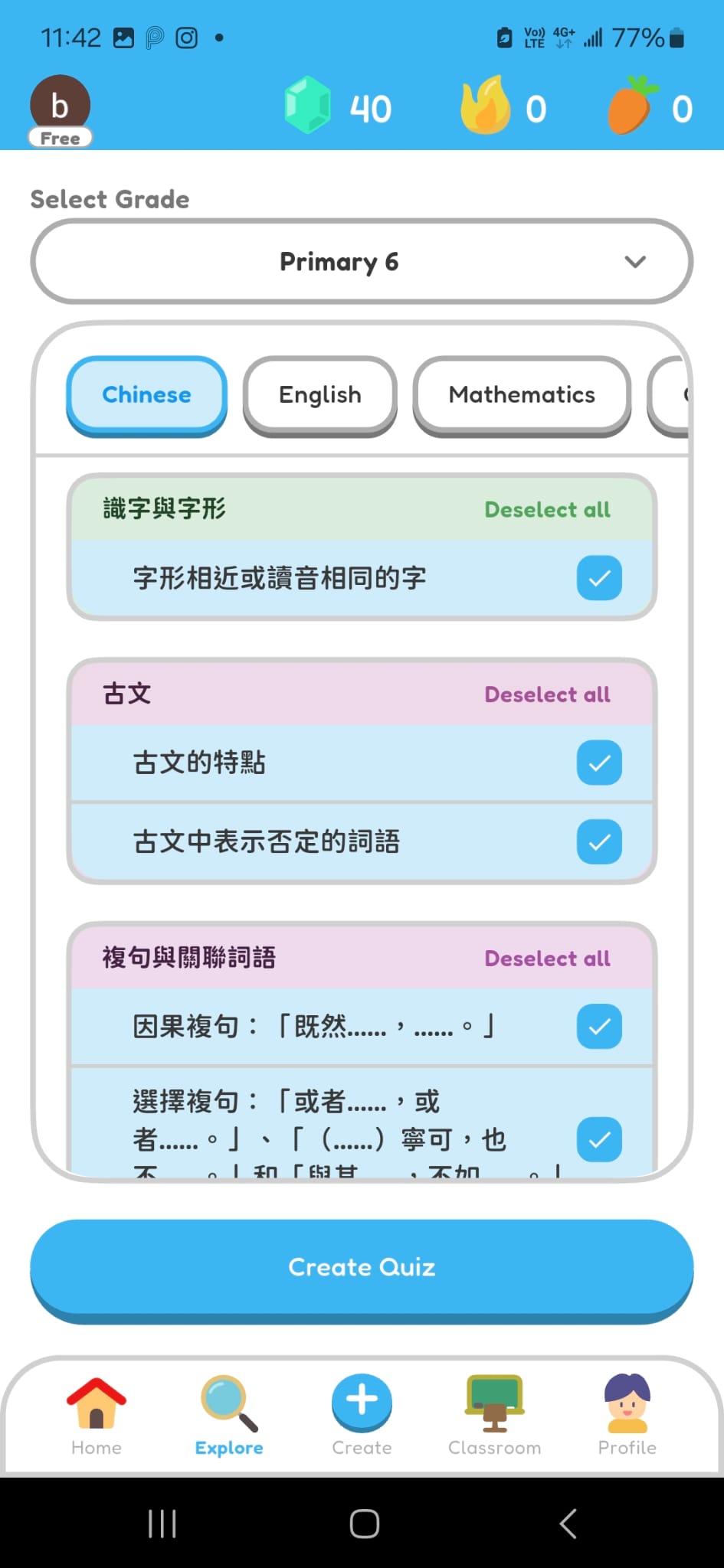
Choose the Subject and Learning Units
- Choose the subject.
- Choose up to five learning units you want to practise.
- Select Create Quiz.
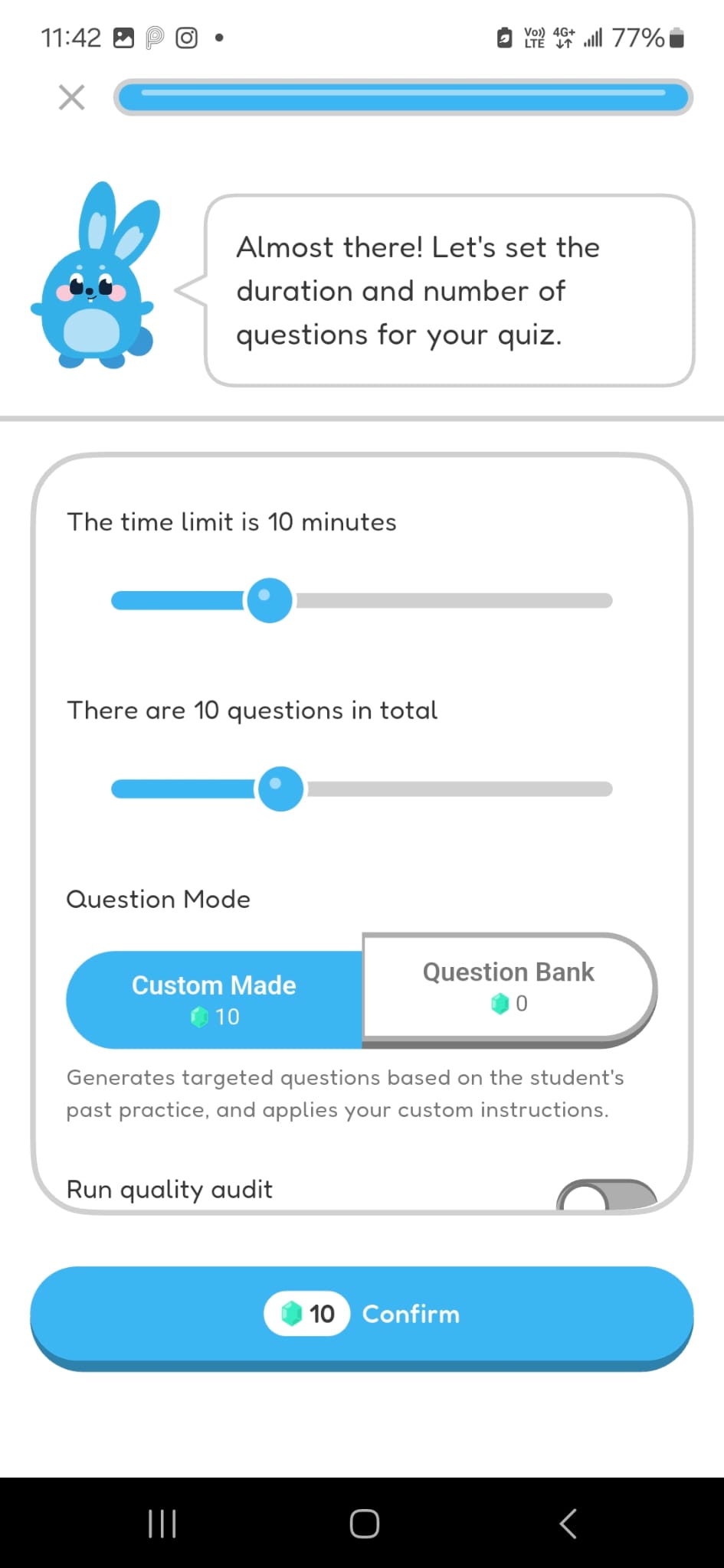
Generate a Practice Quiz
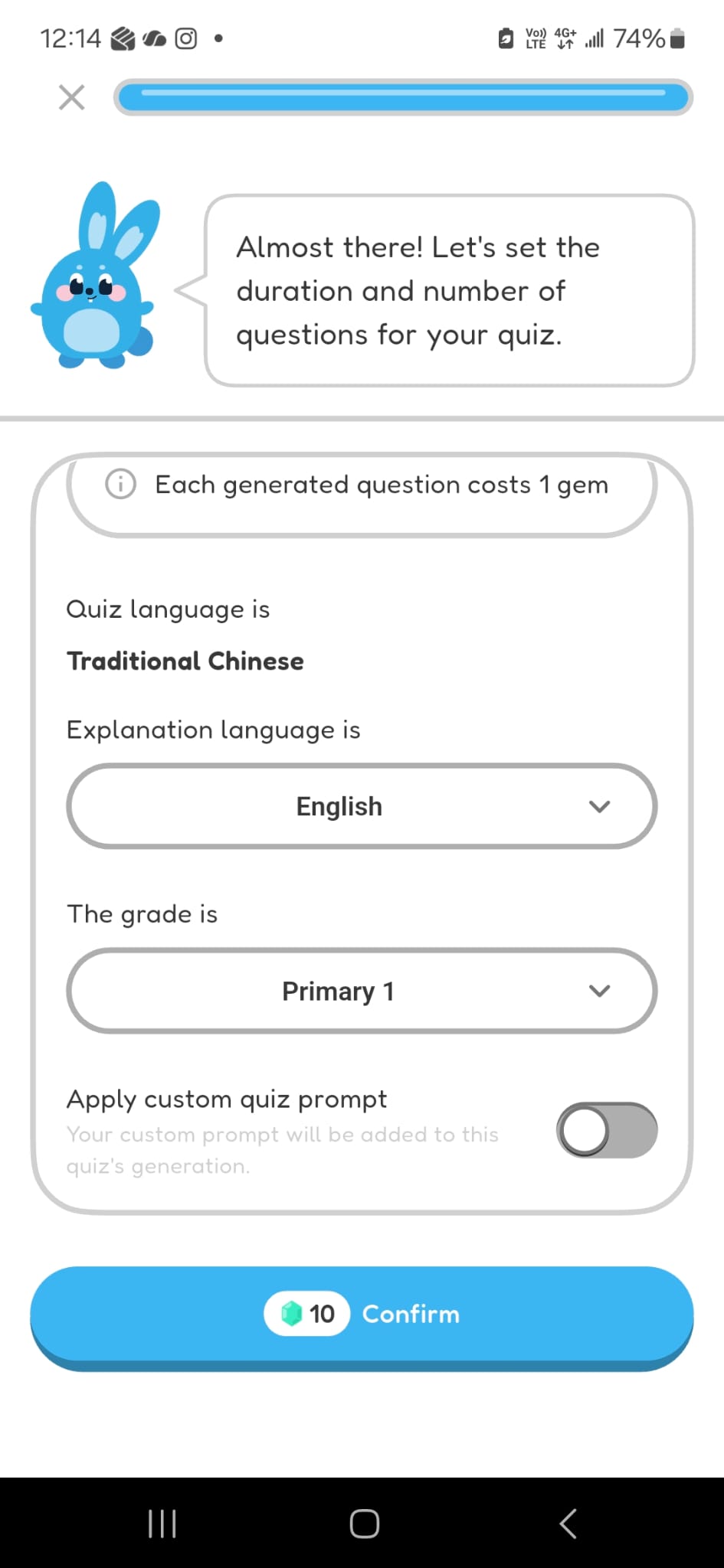
- Choose the expected duration and number of questions.
- Select Custom Made.
- Choose the explanation language.
- Select Confirm.
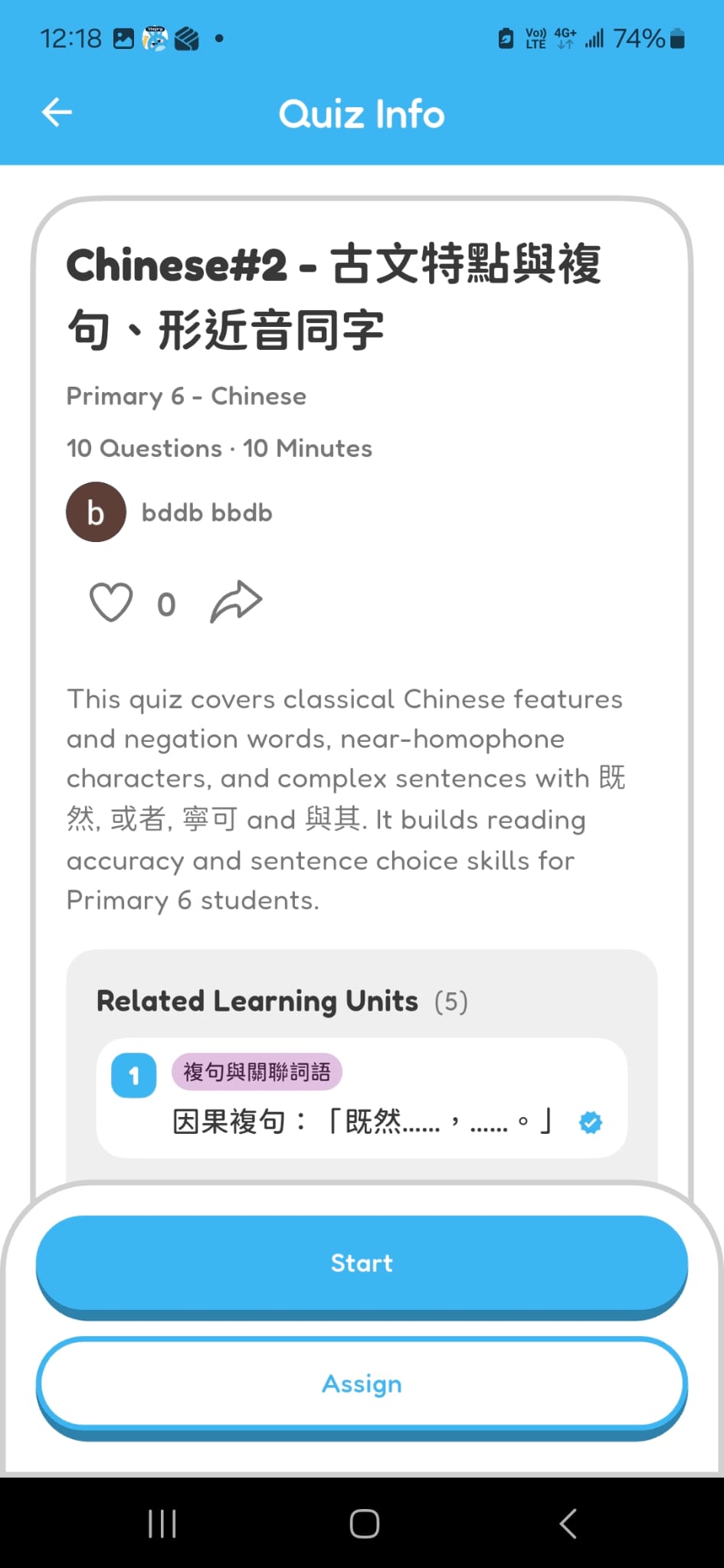
Review the Generated Quiz
- Check the quiz title, grade level, subject, number of questions, and duration.
- Check the description and learning units before starting.
Chapter 1 complete
You created a practice quiz from a curriculum topic.